Hellcase Rollback Tutorial — The Account You Can Reuse
2/14/2026
Hellcase is the sleeper on my list. their anti-fraud monitoring is minimal. in 3 months of testing I have not had a single Hellcase site account flagged, clawed back, or banned after a reversal. the same 4 Hellcase accounts have run 3 full case-battle cycles and are still active.
this makes Hellcase the only site where you can meaningfully reuse site accounts across cycles, which cuts down your setup work significantly.
what you need
- case battle: 4 Steam accounts (MA active 15+ days), ~$300 each (note: you can reuse these within the 30-day Steam ban cycle if the previous Hellcase accounts are still alive)
- single-account: 1 Steam account, ~$300 in skins
- 4 Hellcase accounts (created once, reusable)
- phone verification required — virtual numbers work
method 1 — case battle (4 accounts)
step 1: setup (one-time only)
for a first-time Hellcase setup:
- sign up 4 accounts with fresh emails
- link Steam on each
- verify phone numbers
- confirm withdraw is unlocked
keep these accounts. you’ll use them for every future Hellcase cycle.
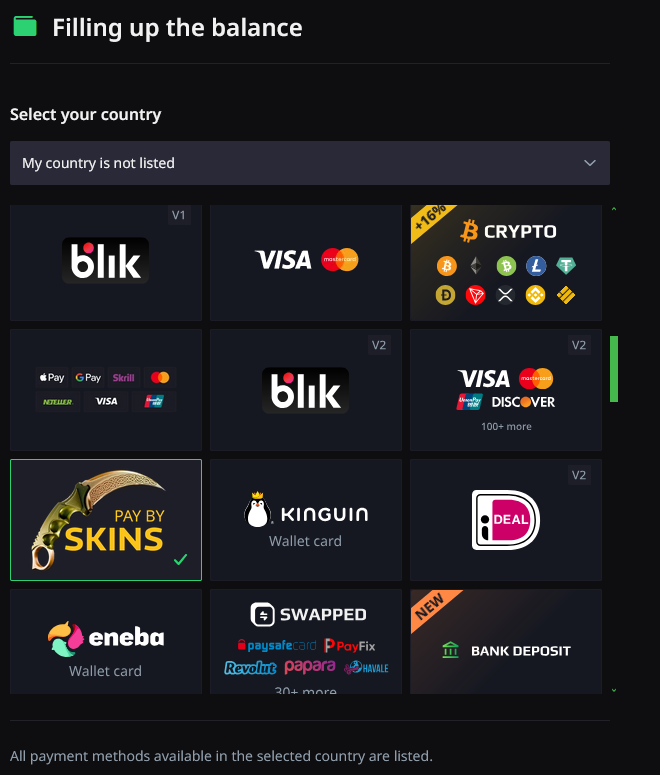
step 2: deposit from all 4
- Wallet → Deposit → Steam Skins
- pick your skins, confirm
- accept on Steam
- balance credits in ~30 seconds
step 3: create the battle
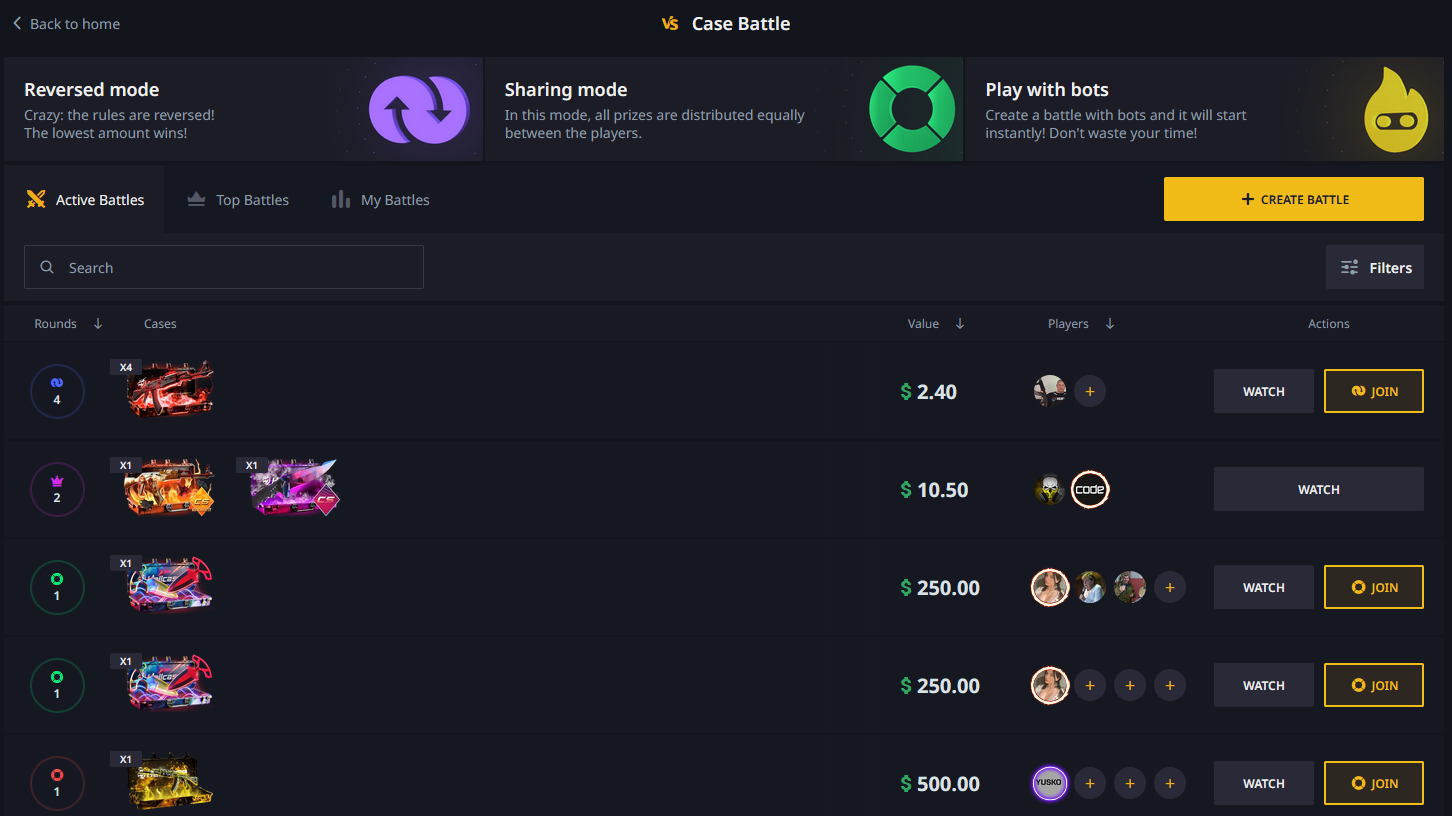
- Battles → Create
- 1v1v1v1 mode
- pick the cheapest low-variance cases available
- Private with invite link
step 4: run the battle
all 4 join, start. battle resolves in ~90 seconds. winner takes the pool in skins (not balance) by default — so the winning account already has skins queued up for withdrawal.
step 5: winner withdraws the pool
on the winning Hellcase account:
- head to the Inventory tab (items won in the battle appear here)
- select all won skins
- click Withdraw → accept Steam trade offer
step 6: losing accounts reverse (day 5-6)
on each losing Steam account:
- Trade History → trigger the reversal
- confirm the 30-day ban
the winning account must NOT reverse. Steam reverses all trades in the window at once. if the winning account reverses, it also reverses the withdrawal.
step 7: what happens on Hellcase’s end
in short: nothing.
- losing accounts: no negative balance, no ban, no flags. they just sit there.
- winning account: withdrawal locked in, can be reused for the next cycle
- no cross-account linking observed
- no email or in-site notifications about the reversals
this is why Hellcase is the best for long-term cycling. your site accounts survive indefinitely.
method 2 — single account
step 1: deposit
standard flow, ~30 second credit.
step 2: play
Hellcase has solo case openings and a “case battle vs bot” option. for single-account I use:
- Daily Free cases first (use any accumulated streak bonuses)
- open 8-12 low-risk cases
- or: a short case battle vs bot
step 3: decide
same logic as every site:
- up → withdraw profit, do not reverse
- down → withdraw remaining balance in skins, reverse deposit on day 5-6
even on Hellcase with its minimal detection, reverse-after-win is a bad idea. the fraud path exists even if nothing else does. don’t.
account reuse strategy (Hellcase-specific)
the killer feature. my rotation across 3 months:
| cycle # | Steam accounts | Hellcase accounts | outcome |
|---|---|---|---|
| 1 | A1-A4 | H1-H4 | clean |
| 2 | B1-B4 (A1-A4 in ban) | H1-H4 (reused) | clean |
| 3 | C1-C4 | H1-H4 (reused again) | clean |
| 4 (planned) | A1-A4 (ban cleared) | H1-H4 | pending |
4 Hellcase accounts serving 12 Steam accounts, rotating indefinitely. no other site on my list allows this.
my Hellcase results
| method | cycles | deposited | returned | profit |
|---|---|---|---|---|
| case battle | 3 | $3,600 | $5,950 | +$2,350 |
| single-account | 5 | $1,500 | $2,180 | +$680 |
| total | 8 | $5,100 | $8,130 | +$3,030 |
quirks to know about
- smaller inventory — occasionally harder to withdraw a very clean basket of high-value items. check inventory before committing to run a battle here.
- bonus system — Hellcase gives free cases for login streaks. stack them before a single-account session for free EV.
- case battle animation is slower — each battle takes ~90 seconds vs ~60 on CSGO-Skins. doesn’t affect anything just worth knowing.
timeline
- day 0: deposits + battle + winner withdraws
- days 1-5: nothing
- day 5-6: losing accounts reverse
- day 7+: everything stays the same. Hellcase accounts stay alive.
- day 36-37: Steam trade bans clear on losing accounts
why Hellcase’s detection is so minimal
educated guess based on behavior over 8 cycles:
- no evidence of any post-deposit Steam trade state checking
- no batch reconciliation observed (unlike G4Skins)
- no cross-account IP/fingerprint linking observed
- they likely treat deposit confirmation as final and move on
could they add detection at some point? sure. but as of now they haven’t, and the strategy works.
how it stacks up
| factor | Hellcase | CSGO-Skins | skin.club | G4Skins |
|---|---|---|---|---|
| detection | none | very low | moderate | weekly batch |
| account reusability | yes | no | no | no |
| credit speed | 30s | 30s | 30-60s | 1-3min |
| UX polish | good | great | best | good |
| best for | long-term | max/cycle | smoothest | reliable |
Hellcase’s account reuse compounds over months. I’d rather run the same setup indefinitely than burn new accounts each cycle.
tips
- run Hellcase last in your weekly rotation — saves your freshest Steam accounts for higher-EV sites
- stack daily free cases before a single-account session for extra EV
- keep your 4 Hellcase accounts in a password manager — they’re long-term assets now
- don’t abuse Hellcase — their detection is minimal now, over-running it might change that. space out cycles by at least 5-7 days.